The 78°F rule fails in humid Houston. Here are the thermostat settings I actually recommend for Katy and Cypress homes.
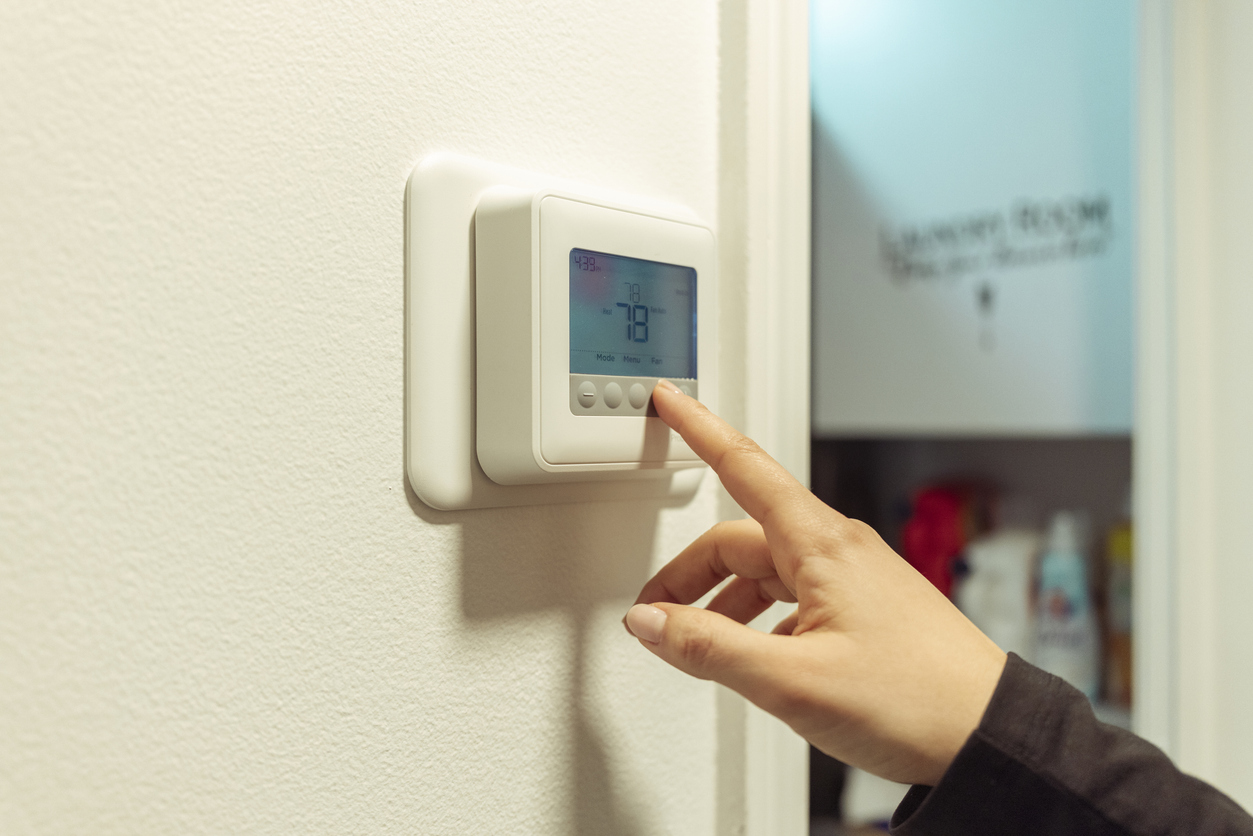
I hear “78°F is the efficient setting” all the time. In a dry climate, maybe. In a Katy or Cypress house at 60%+ indoor relative humidity, it can feel miserable—and it can make people crank the thermostat lower later because the air feels sticky. Comfort is temperature and humidity.
My usual starting point is 76°F when the house is active and 72–74°F at night, then adjust based on humidity, insulation, sun exposure, and personal comfort. The goal is not to win a thermostat contest. It is to keep the home comfortable without making the system run wastefully or short-cycle.
The widely repeated 78°F guidance is a broad energy-saving suggestion, not a Houston humidity prescription. When outdoor dew points stay high, your system needs enough runtime to pull moisture across the indoor coil. A home at 78°F and 62% relative humidity may feel worse than a 75°F home at 50% relative humidity.
If your house is muggy at a normal setpoint, do not assume you need colder air. First check for an oversized AC, dirty filter, dirty coil, leaky ducts, a blower speed problem, or a thermostat that is not controlling humidity. Those are repairable causes. Our indoor air quality service can help identify a humidity issue that a basic temperature setting cannot solve.
A commonly used planning rule is that every degree you raise the thermostat above 72°F can reduce cooling energy by about 3%. It is an estimate, not a guaranteed bill credit: weather, rate plan, insulation, solar gain, and equipment condition all matter. Still, it is useful for setting expectations.
Approximate cooling-energy change compared with 72°F, and what I see in Houston homes:
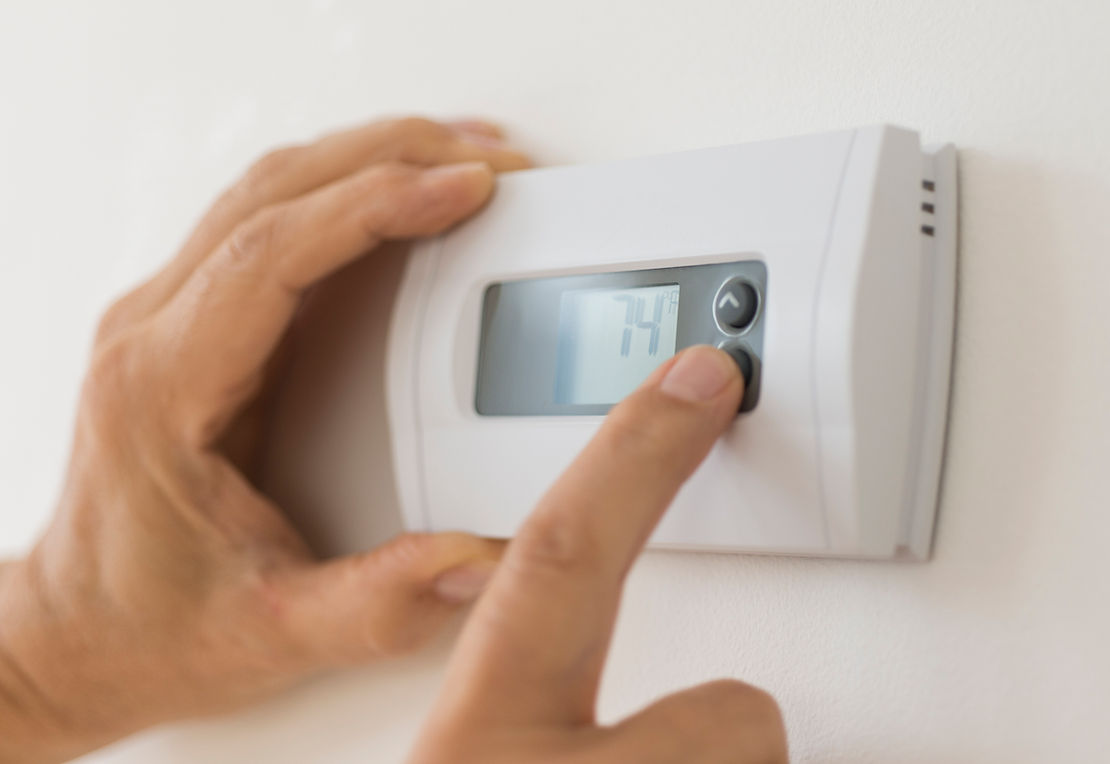
The “turn it way up while you sleep” approach often backfires. In a humid house, a big setback lets moisture build, then forces a long recovery when the system is already fighting morning humidity. I like 76°F in the day and 72°F at night for many families, with a modest adjustment during work hours if the house is empty.
Do not make six-degree swings every day. A heat pump or variable-speed system usually performs better with steadier control. For a conventional single-stage AC, a two- to four-degree daytime change is reasonable if the home can recover before the evening. Test it for a week, then compare comfort and bills instead of changing it every hour.
Both can be good thermostats when installed and configured correctly. I lean toward Ecobee for homes where room sensors and humidity settings are important; it gives useful control over remote-room comfort and can be set up around indoor humidity targets. Nest can work well for homeowners who want simple learning schedules, but do not let it make aggressive “eco” changes that leave the home humid.
The thermostat cannot solve a mechanical problem. A smart screen will not fix low refrigerant, an iced evaporator, or a weak blower. If humidity is staying high despite reasonable settings, schedule AC repair before buying another thermostat.

Start with low-cost wins: change the filter, keep supply vents open, run ceiling fans only in occupied rooms, close blinds on west-facing glass, and keep the outdoor condenser clear by at least two feet. Seal obvious attic penetrations and make sure the attic access closes tightly. In two-story homes in Cane Island, Elyson, and Memorial, upstairs heat gain is often an insulation, duct, or zoning conversation—not a cue to set the downstairs to 68°F.
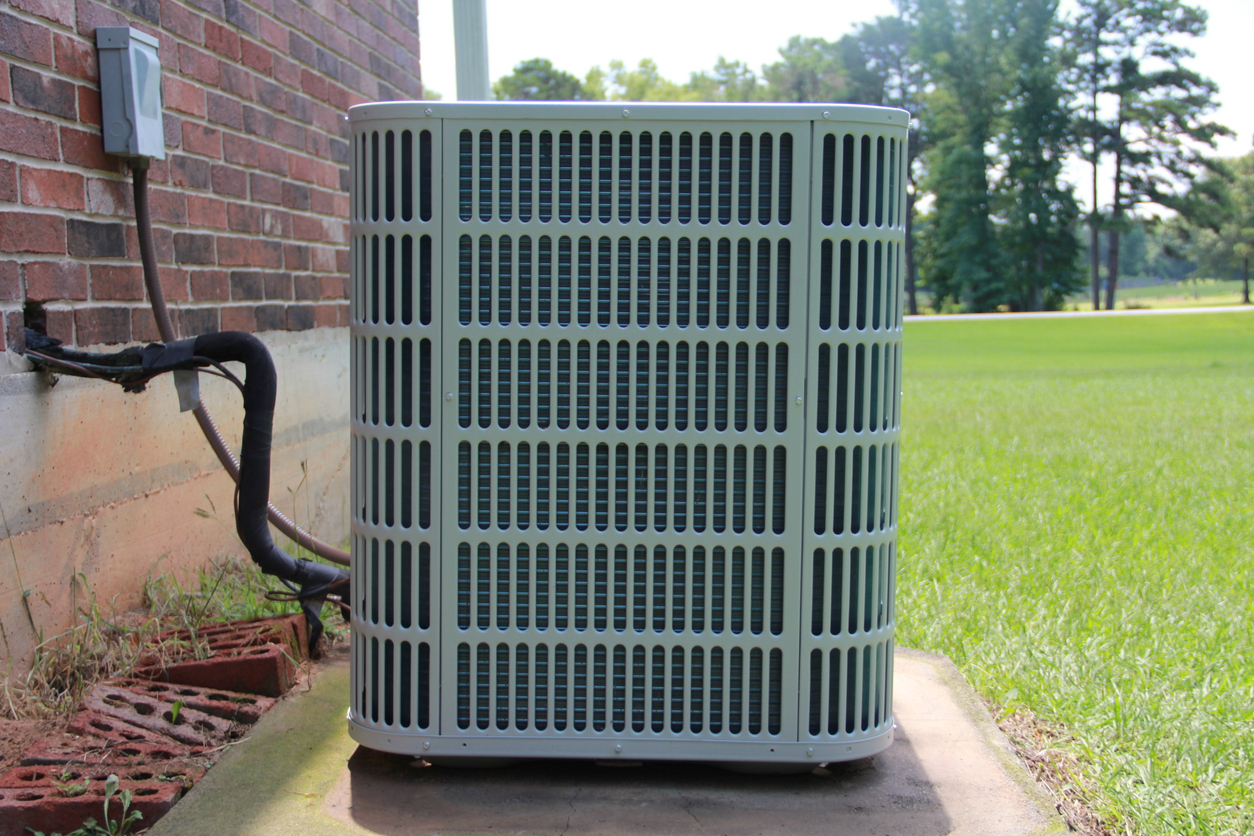
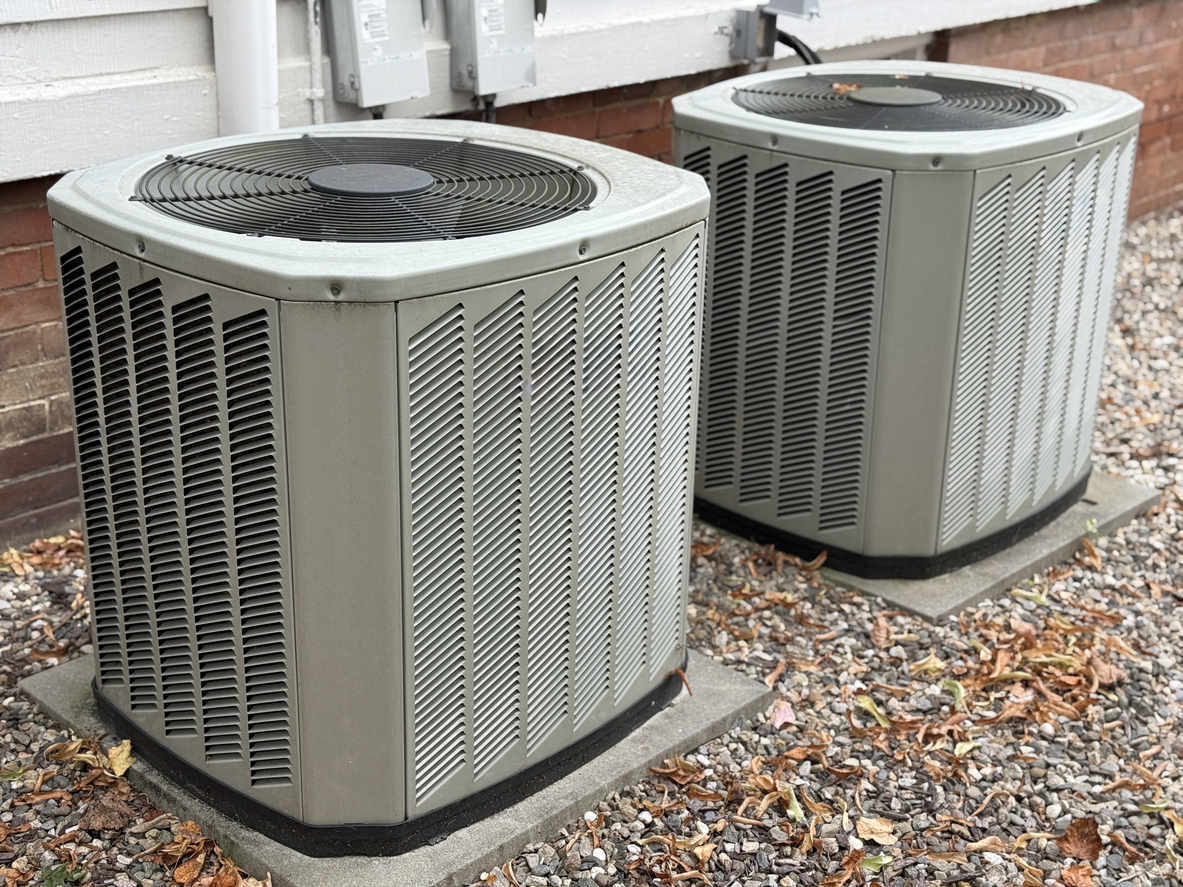
Also look at the AC itself. A dirty outdoor coil makes the compressor work harder. A failing capacitor can raise amperage and cause a breakdown. A partially clogged drain may shut the system off at the worst time. Twice-yearly checks through our maintenance plan help keep the system close to its designed efficiency.
For a typical occupied home: 74–76°F during the day, 72–74°F at night, and 45–55% indoor humidity when the equipment can maintain it. For an empty house: 78–80°F is reasonable if pets, plants, and humidity are not concerns. If you need 68°F just to feel dry, call someone to diagnose why.
For related help, read 5 signs your AC is about to fail and visit our Katy and Cinco Ranch service-area page for local support.
Choose a reasonable schedule, keep it steady for seven days, and note indoor humidity, how the bedrooms feel, and the electric use on comparable weather days. If a well-maintained system cannot hold 45–55% humidity at a normal 74–76°F setting, the next step is performance testing—not a lower thermostat number. That record tells a technician whether the problem appears tied to afternoon sun, upstairs airflow, overnight recovery, or the equipment itself.
Not for every home. At high indoor humidity, 78°F can feel clammy. Many homes are more comfortable and still efficient around 74–76°F.
It is a useful estimate for cooling energy above a 72°F baseline, not a promise. Your actual savings depend on weather, insulation, electric rates, and equipment performance.
Try 72–74°F at night and avoid a dramatic setback. A steady schedule usually controls humidity better in Houston.
It can help manage settings, but it cannot repair mechanical or duct issues. High humidity needs a system performance check.
Usually no. Set it higher, around 78–80°F for an empty home, instead of making the system recover from a hot, humid house.
Beede AC & Heating serves Katy, Cypress, Cinco Ranch, Memorial, and West Houston. Same-day service most days, honest diagnosis, no upsells.
📞 Call 281-222-9591 — talk to a live tech, not a call center
🗓️ Book online →
📍 See our service areas
Master-tech supervised. TDLR licensed. 5-star rated on Google.
About the author: Galen is the master HVAC tech at Beede AC & Heating, running service and installations across Katy, Cypress, Cinco Ranch, and Memorial. EPA 608 Universal and TDLR licensed. If it's blowing warm air, he's probably seen it.
© 2026 Beede AC & Heating LLC. All rights reserved.
Electrical services by Beede Electrical LLC, TECL 93748.



.svg)
%20(1).png)

.svg)


